PDF Reader Voice
🎧Experience your PDFs like never before with PDF Reader Voice
Easily view, search, and read your documents — or let the intelligent voice engine turn them into natural speech in male or female voices. Perfect for studying, multitasking, or reading on the go.
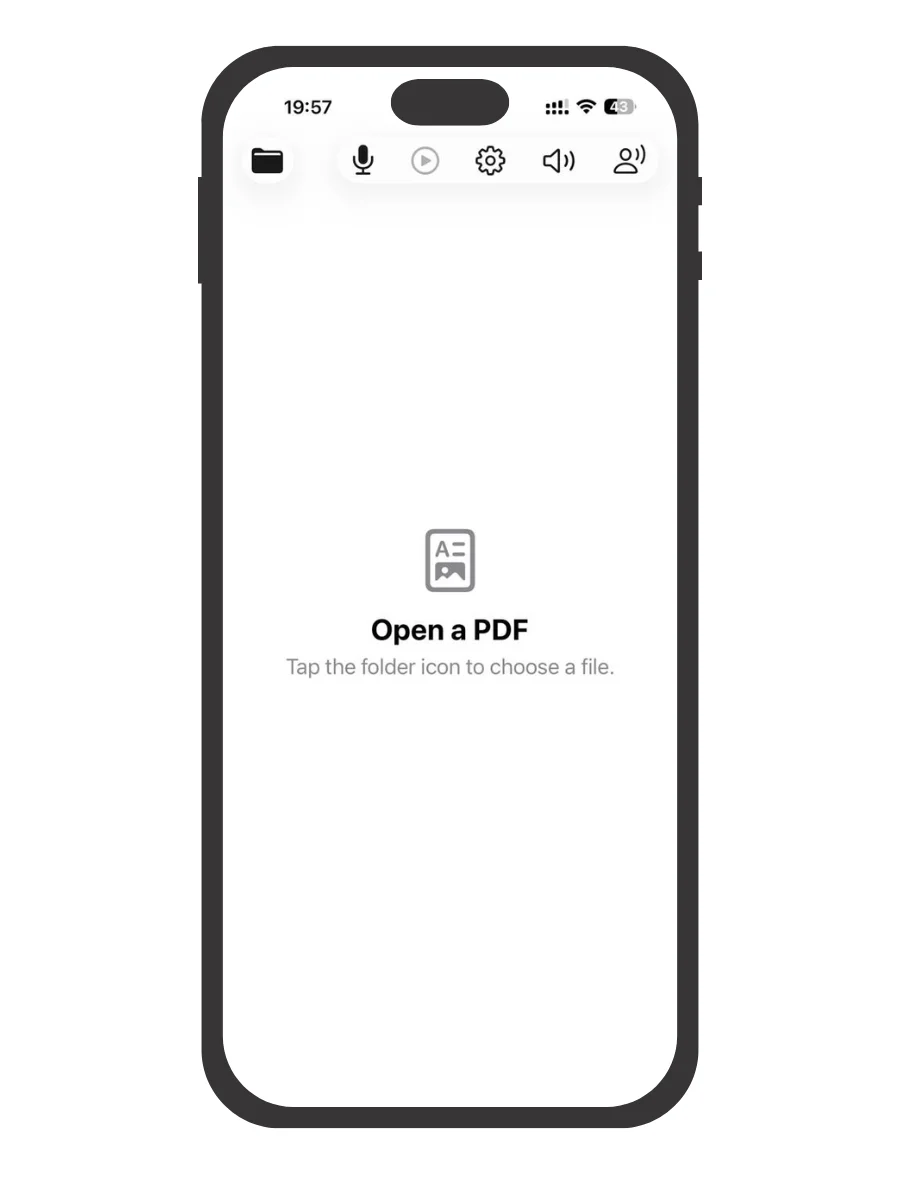
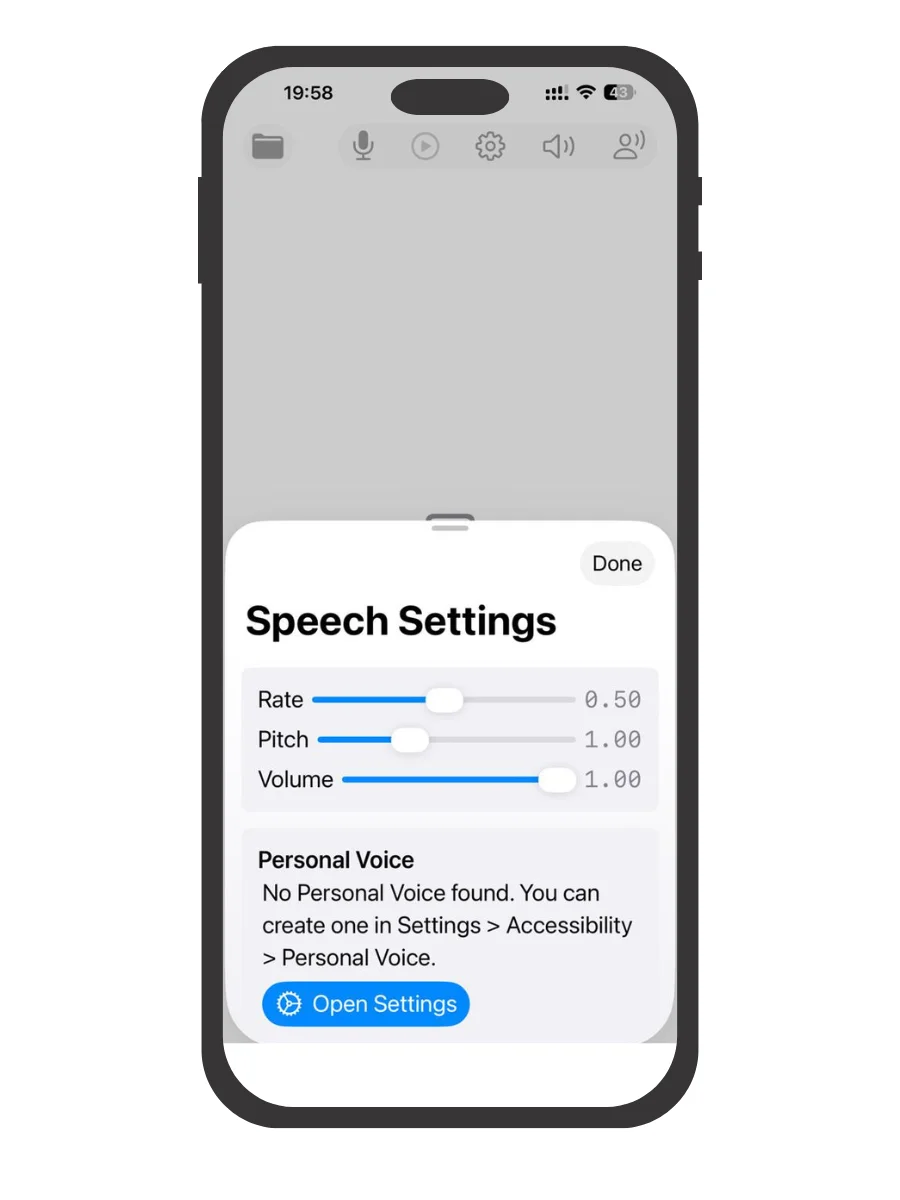
See PDF Reader Voice in Action
Click on any screenshot to view the full resolution interface in detail.
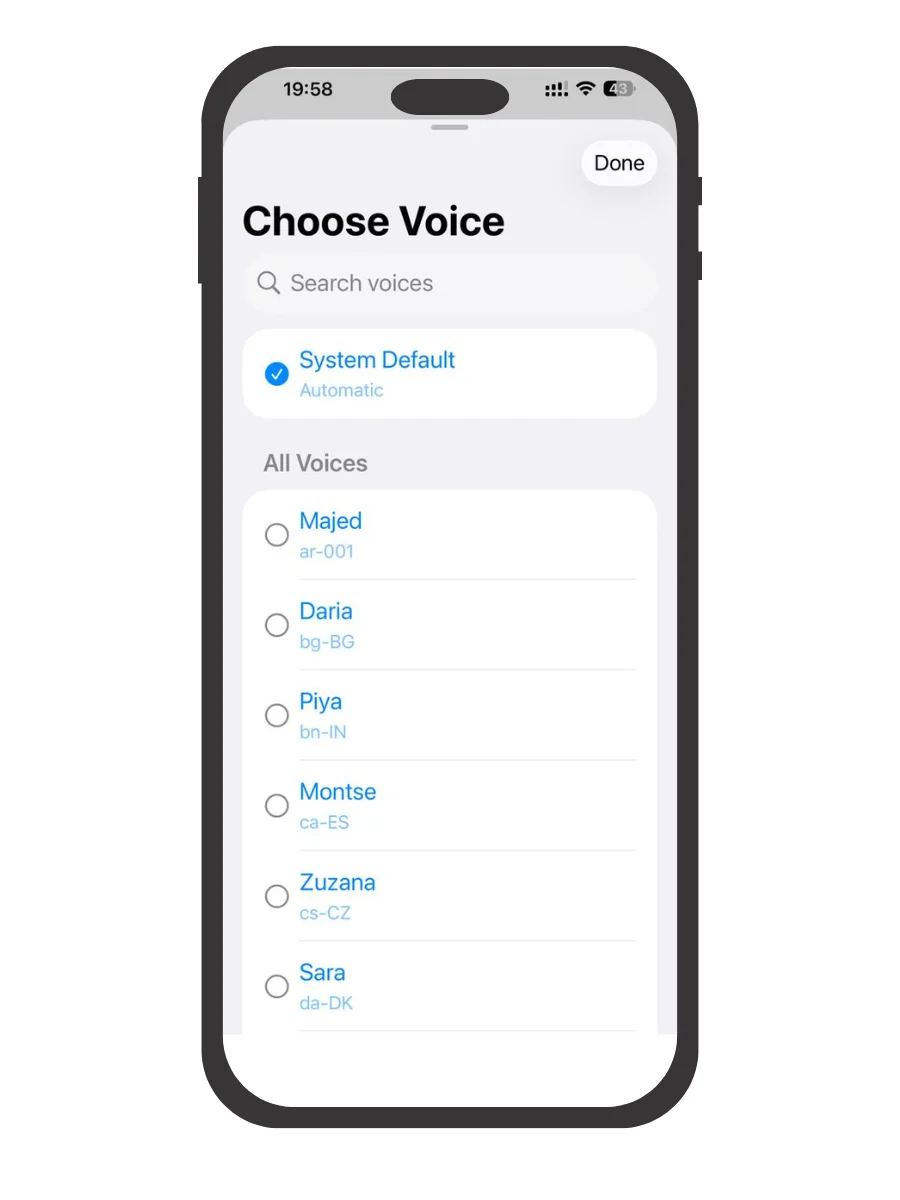
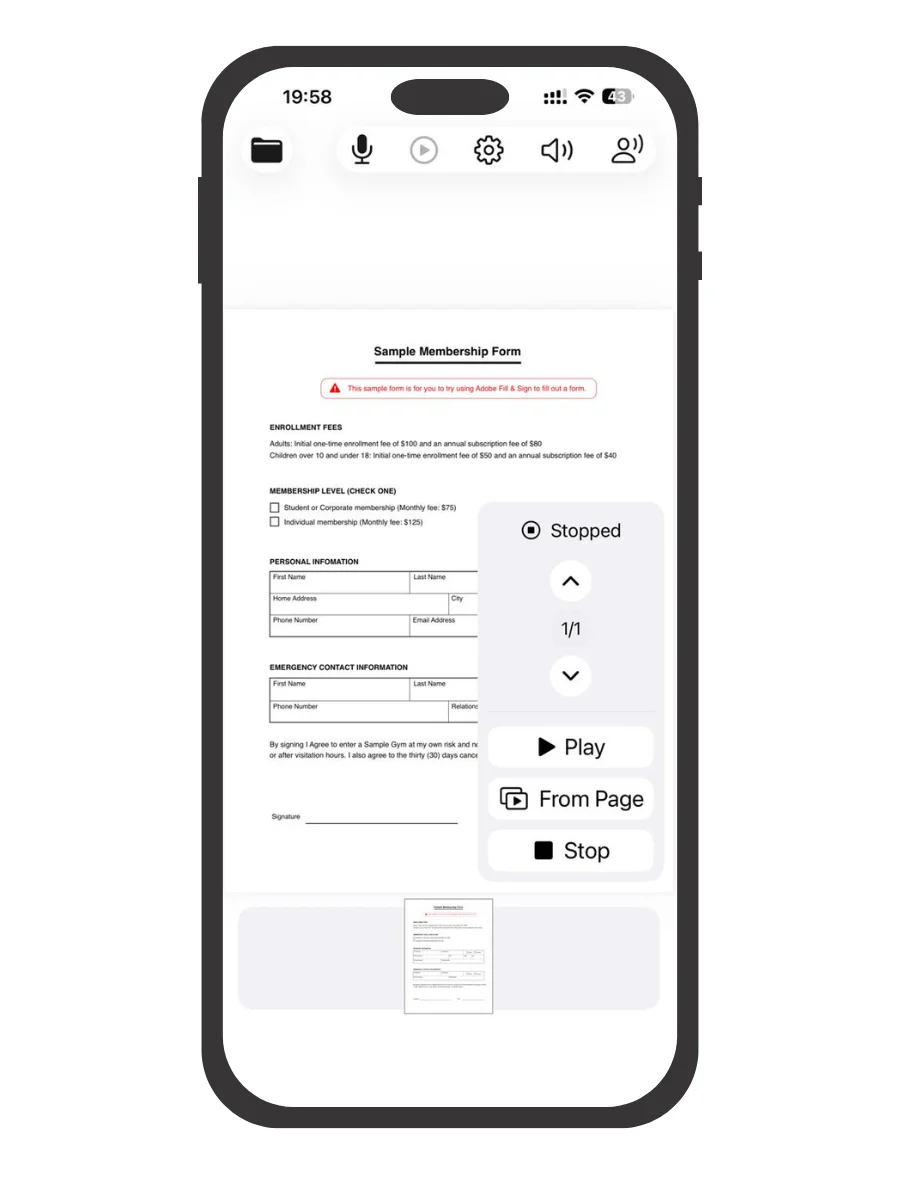
About PDF Reader Voice
Key highlights
Text-to-Speech PDF Reader
Listen to any PDF with high-quality voice narration. Perfect for eBooks, notes, reports, and academic papers.
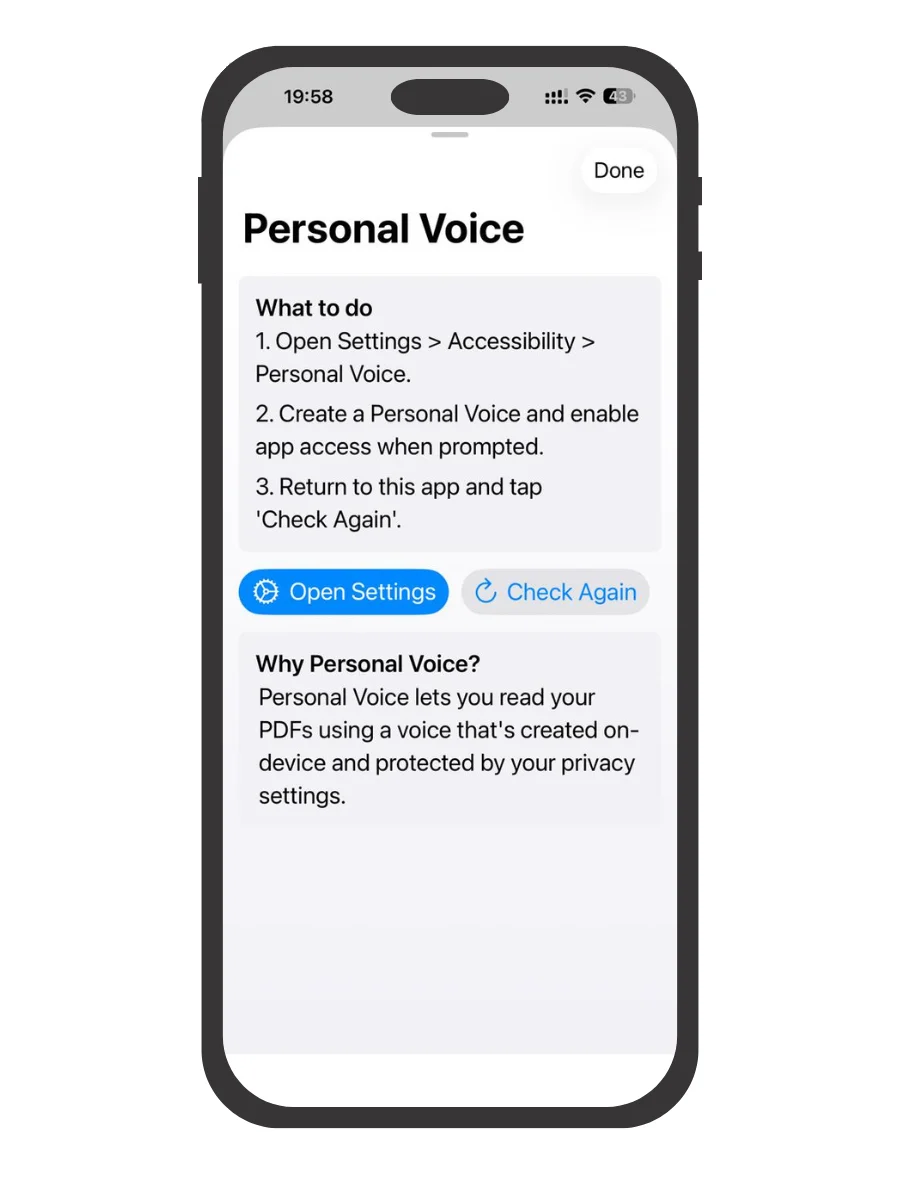
Personal Voice Integration
Train your own personal voice and have your PDFs read out in a tone that feels familiar and human.
Simple, Elegant Interface
Enjoy a clean design inspired by Apple’s modern UI — minimal, smooth, and intuitive.
Smart Controls
Use easy playback features like Play, Pause, Stop, and Progress Bar for total control over your listening experience.
Offline & Secure
Your PDFs and voices stay completely private — no data collection, no cloud upload, all processing happens on your device.
What this app helps you do
Privacy First
Native iOS Experience
Fast and Simple Workflow
Premium Text-to-Speech Reading
Smart PDF Viewer + Advanced Search
Fine-Tuned Voice Customization & Hands-Free Multitasking
Effortless Multitask-While-You-Listen Experience
Why choose PDF Reader Voice
Whether you’re learning, proofreading, or simply giving your eyes a break, this app turns your PDFs into an immersive audio experience.
Perfect for students, professionals, and accessibility users.
Current Version & Notes
Initial public listing on TeaManjur Apps.
Version 1.0
Jun 30, 2026
Initial public listing on TeaManjur Apps.