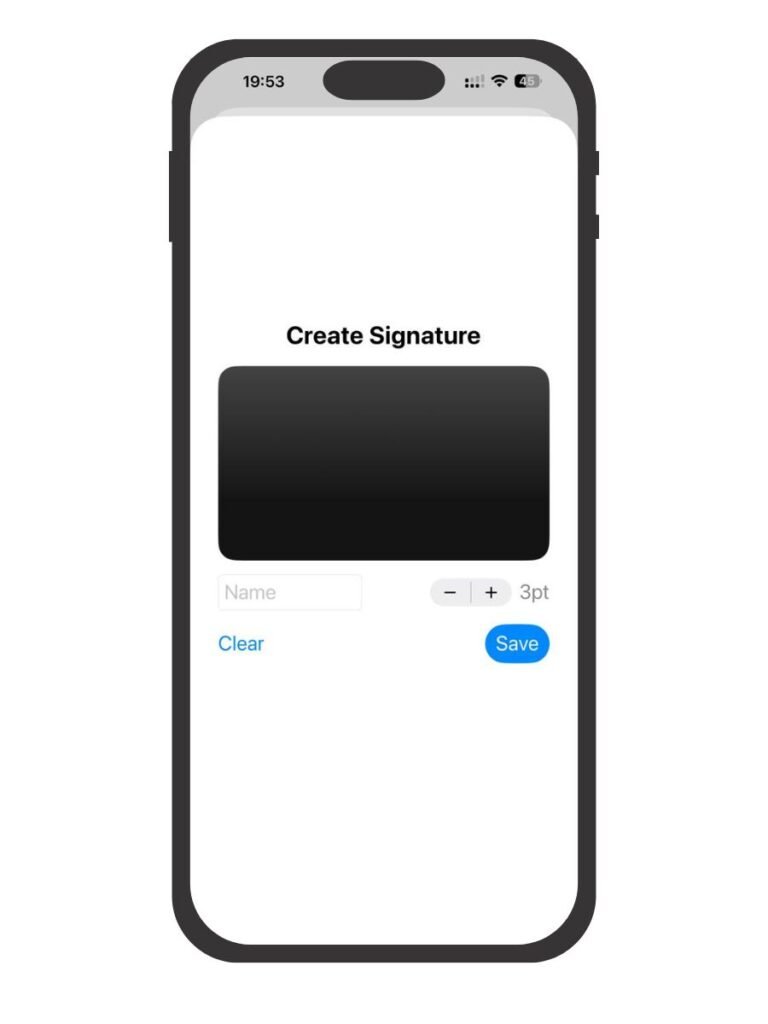
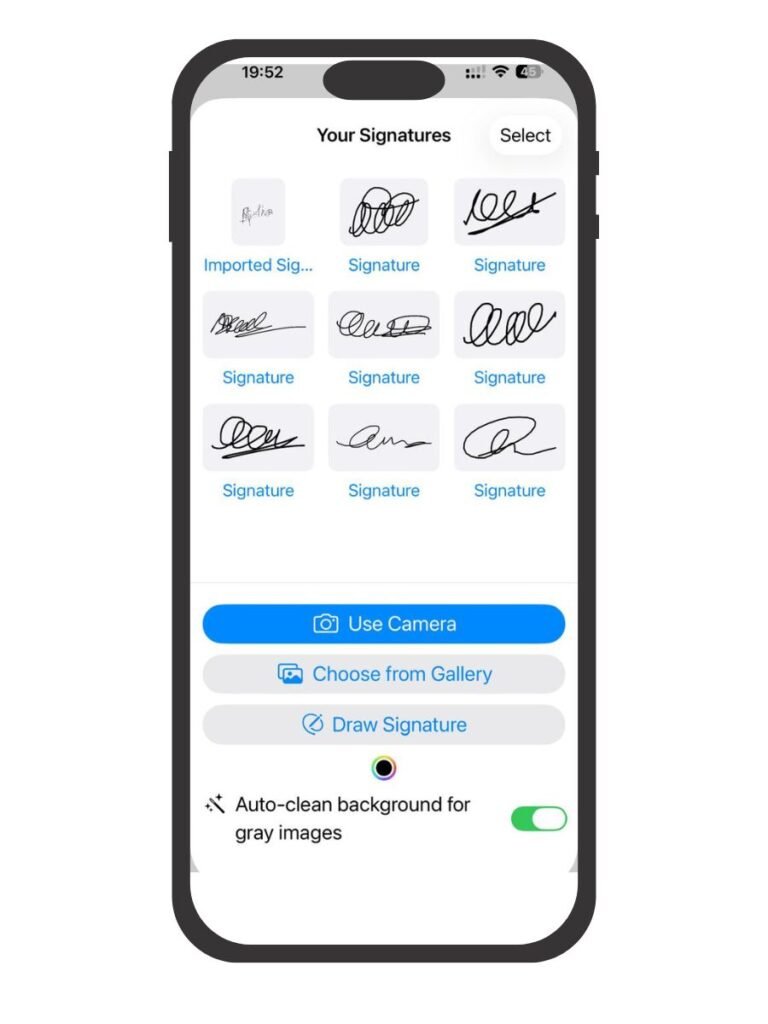
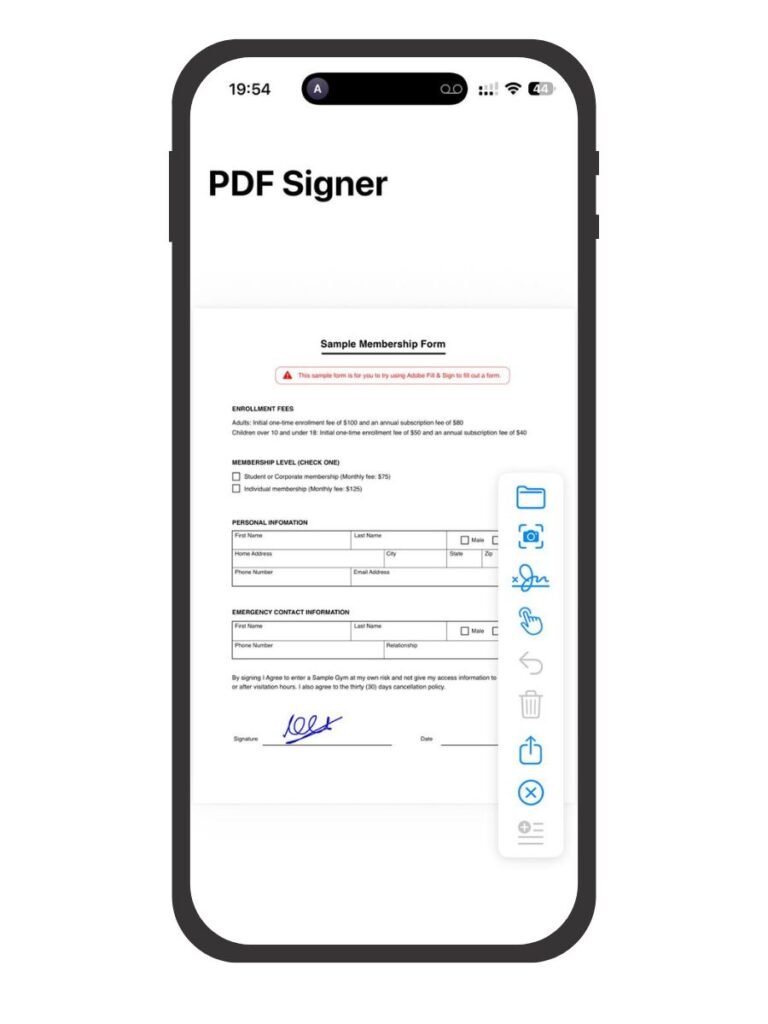
✅ Easy Digital Signing
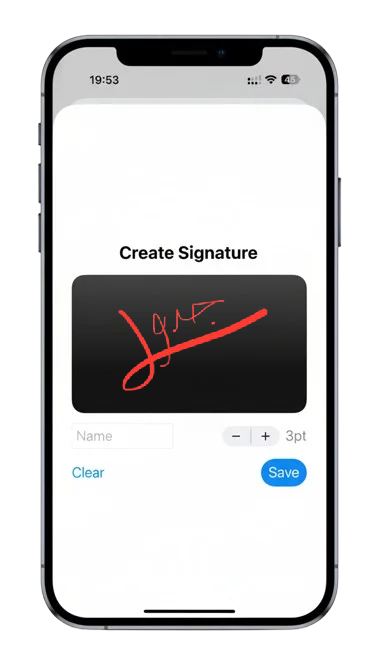
Create and manage multiple digital signatures. Sign PDFs with a single tap — no printing, scanning, or faxing required.
✅ Smart PDF Scanner
Turn your camera into a professional-grade document scanner. Enjoy auto edge detection, smart cropping, and high-quality scanning that preserves text clarity.
✅ Edit and Annotate
Add text, highlights, and notes directly on PDFs. Adjust color, transparency, and size for clean and professional results.
✅ Move & Resize Signatures Freely
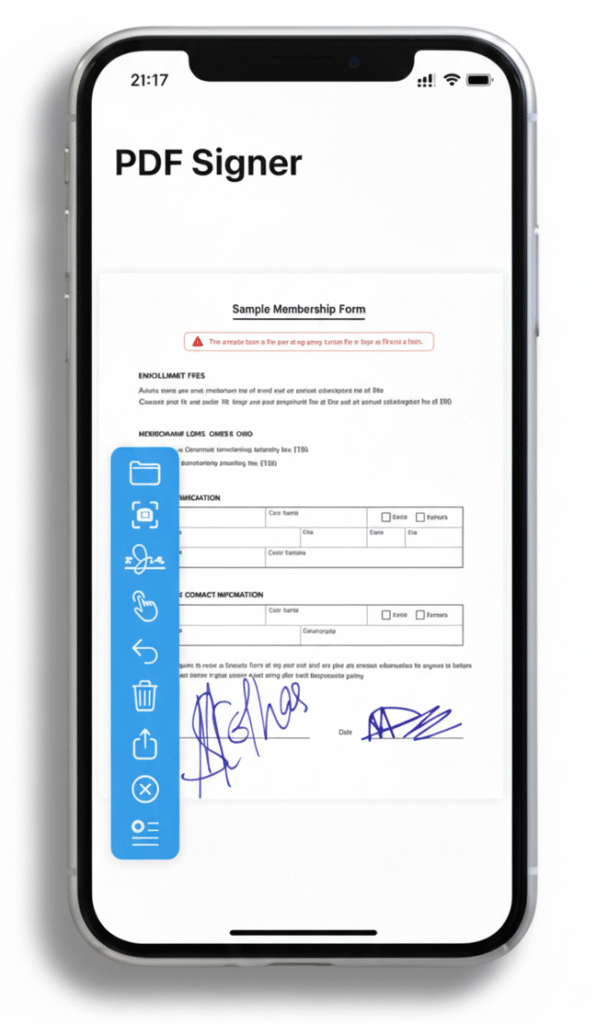
The latest version lets you drag, drop, and resize your signatures anywhere on the page for perfect placement.
✅ Lightning Fast Sharing
Save or share signed PDFs instantly via Email, iCloud Drive, Files App, or AirDrop — securely and efficiently.
✅ Privacy First
Your documents and signatures stay 100% private. TeaManjur does not collect or store any data — your files remain only on your device.